
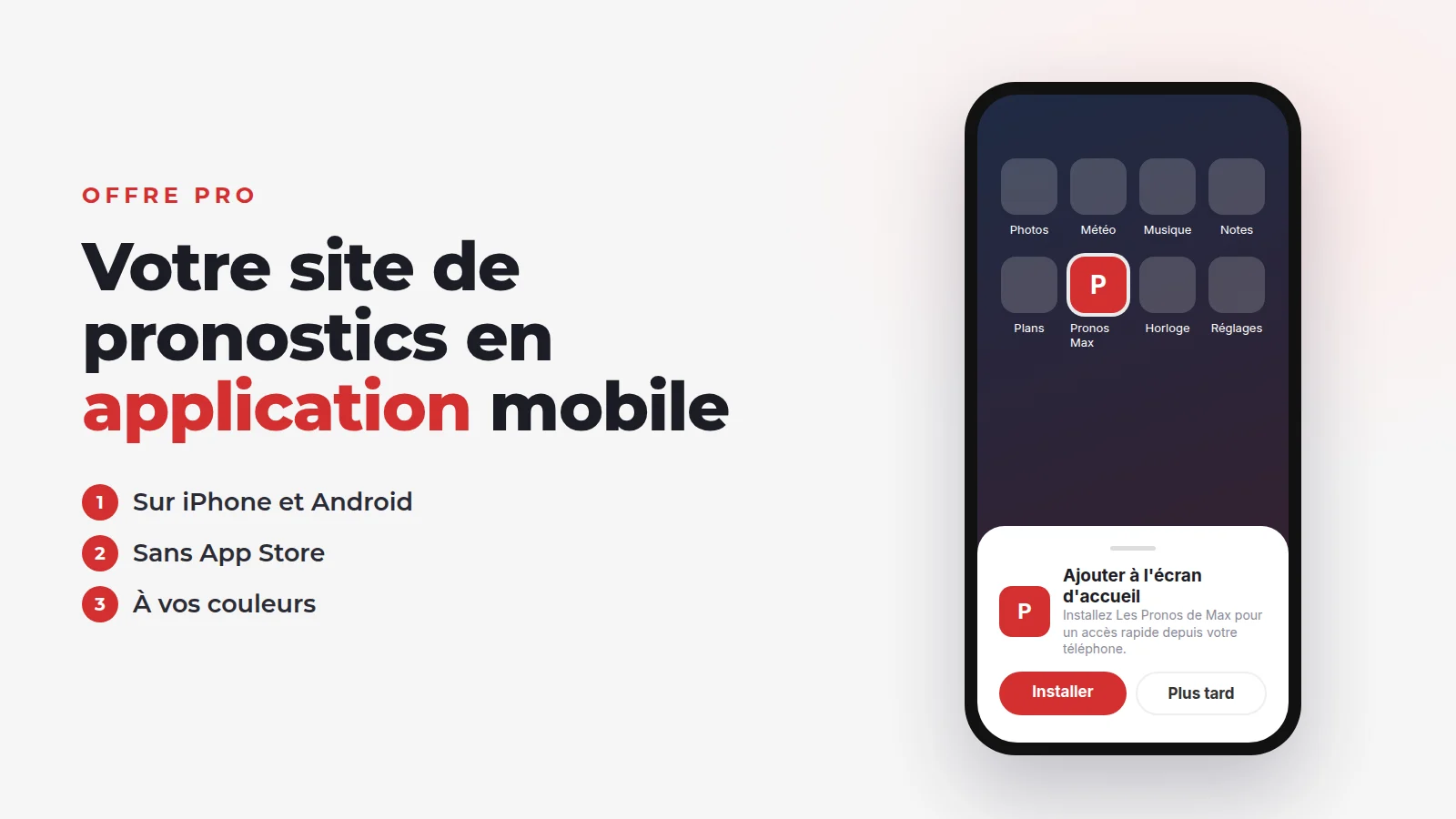
Why a mobile app for your betting tips website
Your members check your tips on their phone, often a few minutes before kick-off. Between the lost tab, the address to type again and the login to redo, every extra step is a chance to drop off.
One tap away
An icon on the home screen. No address to retype, no tab to hunt for.
Full screen
No browser bar: your tips fill the whole screen, like a regular app.
Your brand on their phone
Your logo stays in sight, between their betting apps and their messaging apps.
It isn't a gimmick: it is the shortest path between your member and the tip they paid for.
Native app or web app (PWA): which one?
There are two ways to have an app:
- A native app, developed for iPhone and Android, then published on the App Store and Google Play.
- An installable web app (known as a PWA, for progressive web app): your website, installed on the phone from the browser.
| Native app | Web app (PWA) | |
|---|---|---|
| Development | An app to have developed, for two systems | None: it is your website |
| Developer accounts | $99 a year with Apple, a one-off $25 with Google | None |
| Publishing | Reviewed by Apple and Google, for every version | None: installed from the browser |
| Updates | A new version to publish, then to download | Instant |
| Payments | Subject to the stores' rules for digital content | Your website's: card, PayPal or manual |
| Notifications | Possible | Not with Typsa (see below) |
| Visibility in the stores | Yes | No |
Developer account fees checked on 27 October 2026: Apple Developer Program, Google Play Console.
A native app only makes sense if you have a development budget, someone to maintain it, and a real need for notifications. For a tipster, the web app covers the essentials: an icon on members' phones and direct access to your tips, with no development and no dealings with the stores.
Good to know
Create your betting tips app with Typsa, without coding
Your Typsa website is already built for phones. The mobile app is included in the Pro plan: there is nothing to develop.
-
1
You switch on the option
In your website's advanced settings, tick the option that offers visitors to install the app. That's it.
-
2
Your visitors see the offer
On iPhone and Android, a pop-up appears a few seconds after they arrive, inviting them to add your website to their home screen. It only shows once, and never to people who have already installed the app.
-
3
They get back to your website in one tap
One tap on the icon and your website opens full screen. Your VIP members get to their tips in an instant.
Installing it on iPhone and Android
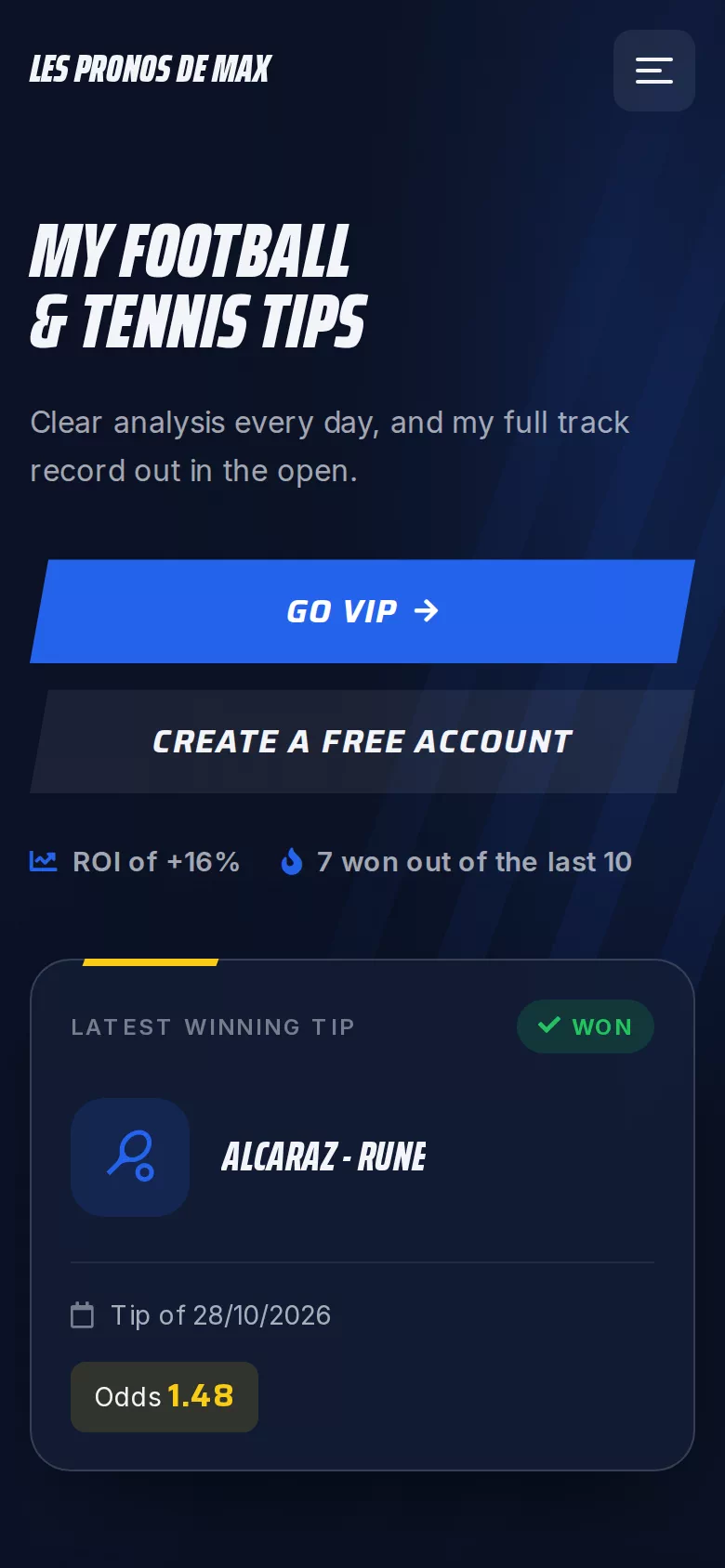
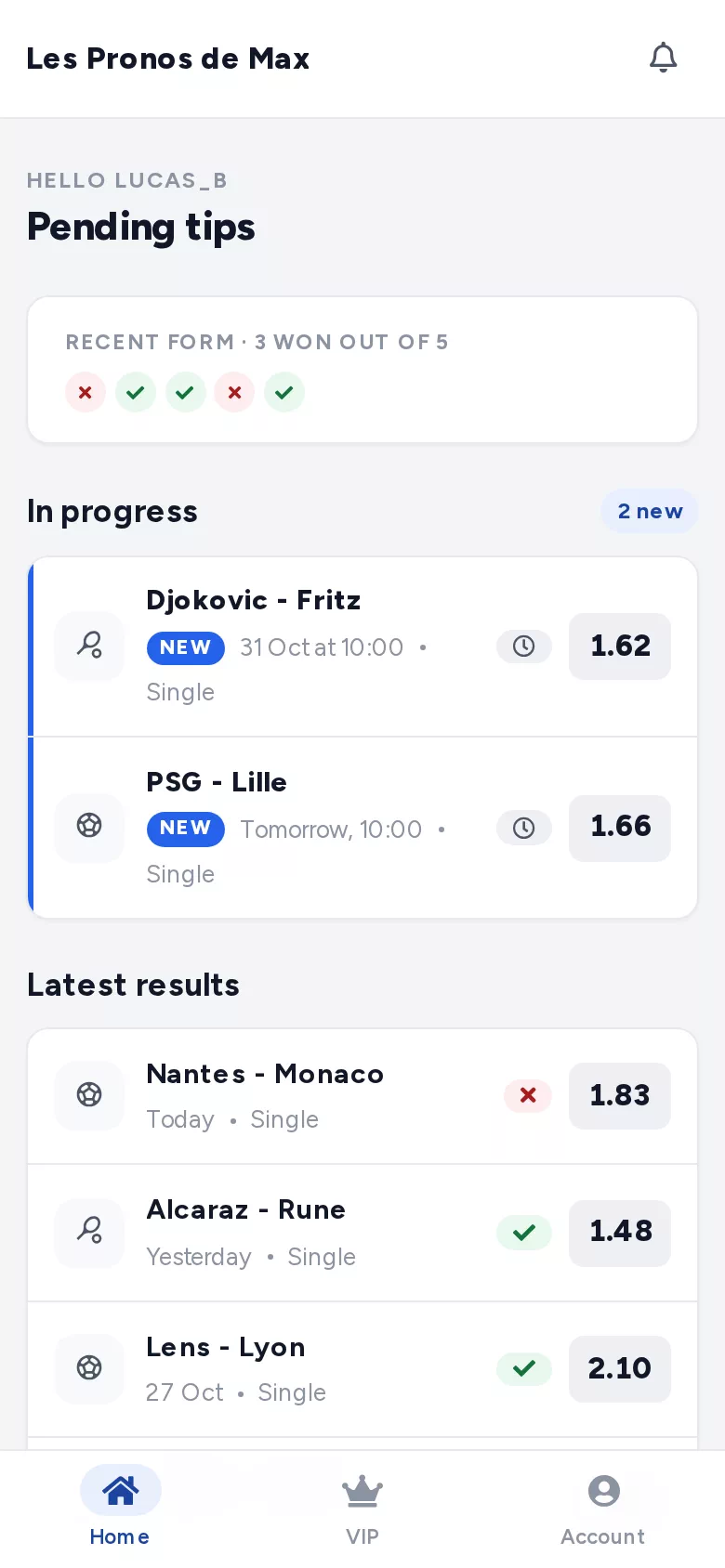
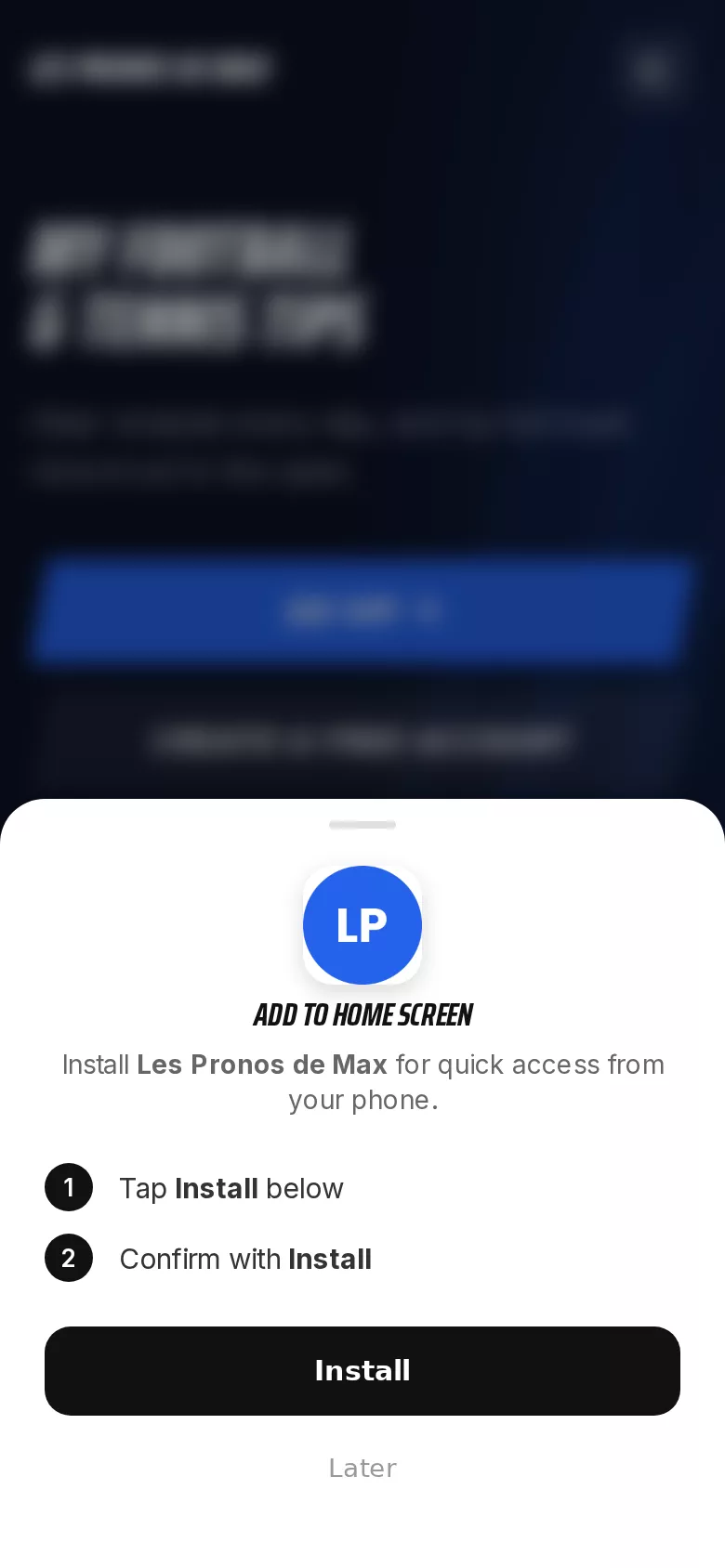
The install pop-up adapts to the visitor's phone and tells them what to do. Here is what they see, on a demo website:
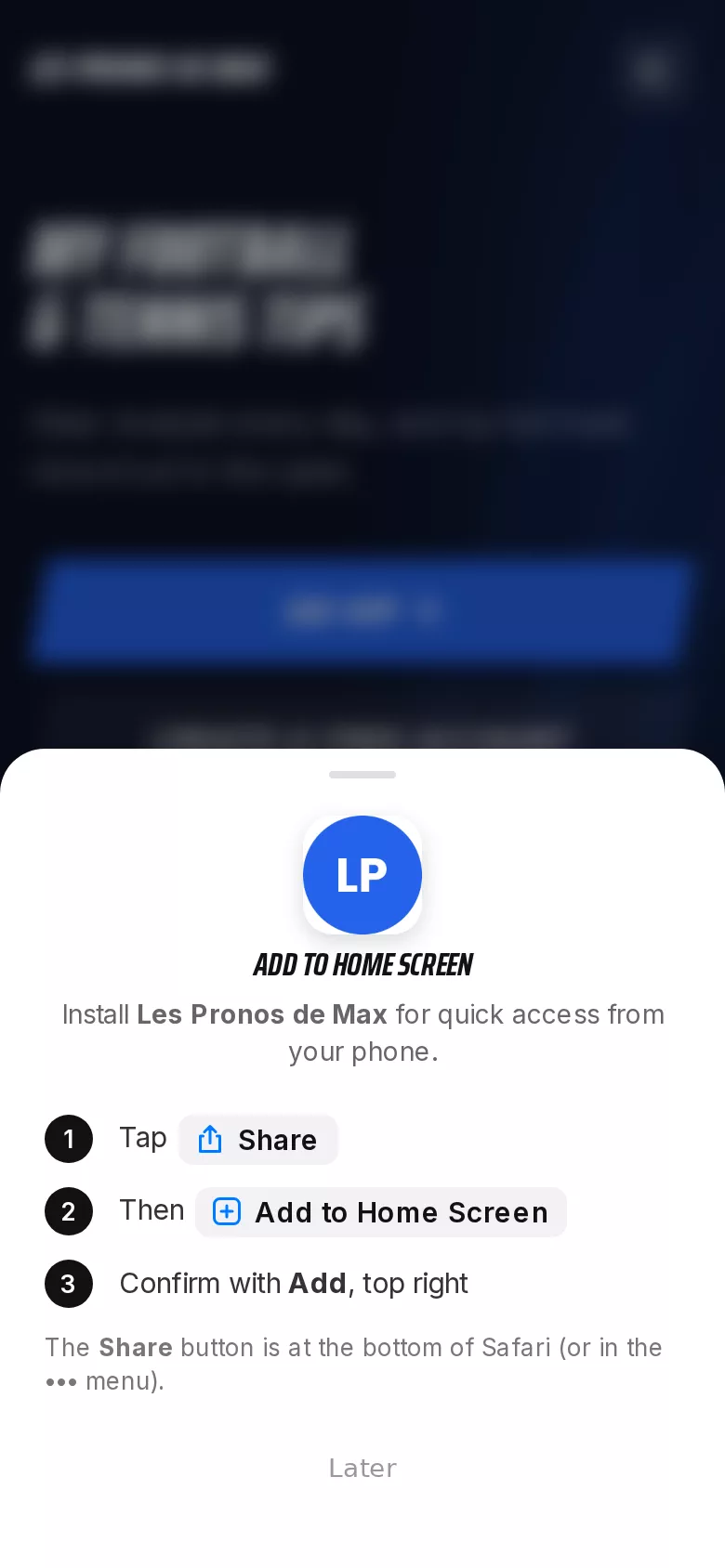
On iPhone
1. Tap Share, at the bottom of Safari.
2. Choose "Add to Home Screen".
3. Confirm with "Add".
The icon appears alongside their other apps.
On Android
1. Tap "Install" in the pop-up.
2. Confirm in the phone's dialog box.
The app installs like any other.
No store account to create, no special permission to grant. To uninstall, your members delete the icon, as with any app.
An app that carries your brand
The app automatically picks up your website's identity, as you set it in your dashboard:
- The icon: your website's logo (favicon) is what appears on the home screen.
- The colour: your website's main colour tints the phone's status bar.
- The name: the install pop-up shows your website's name.
Changing your logo or colour? The app follows, since it is your website. With the Pro plan, you can also go white-label, and connect your own domain name (available from the Starter plan).
What your members do in the app
The app isn't a cut-down version: it is your full website. Your members find everything they have in their browser:
Your tips
Singles, accumulators or rollover challenges, free or VIP, with your confidence rating: Safe, Semi safe or Fun.
Your track record
Your results and statistics, updated as soon as you mark a tip as won or lost.
Their bankroll
They add a tip to their bankroll from the tip itself, and track their stakes, profit and ROI. Our guide to bankroll management explains the method.
Their subscription
They choose a VIP plan, pay and access their VIP tips, without leaving the app.
Comments and likes work too: your members react to your tips from their phone, just as on the website.
What about notifications?
Let's be clear: the app doesn't send notifications. It doesn't replace a messaging app.
To alert your members, Typsa relies on Telegram, which is already on their phone. From the Starter plan, you connect your Telegram channels or groups to your website: with every tip you publish, a message is posted automatically, and members whose subscription has ended are removed from your VIP channels.
The combination that works: Telegram for the alert, the app for the tip itself, the track record and the bankroll. Our guide on how to make money with your Telegram betting tips channel explains how to organise your VIP channel.
Do you really need a betting tips app?
Not necessarily. A Typsa website already works very well in a phone's browser, with or without the app. The app becomes useful when:
- your members come back to your website several times a day, before every match;
- you want your brand to stay visible on their phone, not just in a tab;
- you are already on the Pro plan for its unlimited revenue or white-label option, and the app comes on top.
If you are just starting, focus first on your plans and automated VIP access: the app can come once your community has grown. Neglecting the experience on phones is also one of the mistakes that lose you members.
Your betting tips website, on your members' phones
Mobile app included with the Pro plan. No commitment.